Video Podcast Setup: Lighting, Framing and Better Conversations
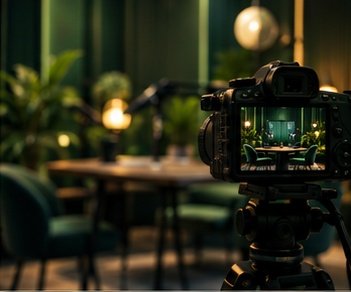
Build a video workflow that supports the discussion. Audio remains the foundation, even when viewers can see the room.
Start with one clean angle
A single well-framed camera can outperform three poorly matched cameras. Place it near eye level, leave comfortable headroom and remove distracting background objects. A phone may be enough for a pilot when storage, power and recording limits are tested first.
Shape the light
Use a broad soft light slightly to one side of the face. Keep the subject separated from the background and avoid mixing several color temperatures. Lock exposure and white balance where your camera allows it so the image does not shift during an answer.
Synchronize and simplify
Record audio independently when practical. Clap once at the beginning to create a synchronization reference. If using multiple cameras, match frame rates and keep a consistent naming system. Favor intentional cuts that follow the speaker rather than changing angles every few seconds.
Your next step
Record a full-length private rehearsal, not just a two-minute test. Check heat, battery, storage and sync at the end. Add another camera only after the basic session runs reliably.
Tags: lighting,, podcast:, podcasting, setup:, video & streaming
All creator guides