USB vs. XLR Microphones: Choose the Right Podcast Setup
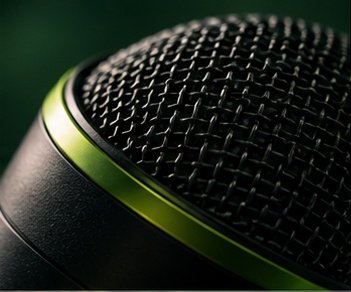
Understand the tradeoffs before investing in equipment. A clear voice and a quiet room matter more than an expensive shopping cart.
Choose your connection
A USB microphone connects directly to a computer and simplifies a solo workflow. An XLR microphone requires an interface or recorder, but gives you a clear path to multi-microphone sessions. Think about your next twelve recordings instead of an imaginary future studio.
Think about the room
Directional dynamic microphones can be practical in untreated rooms when used close to the mouth. Condenser microphones may capture more room detail. Neither category repairs traffic noise or a noisy fan. Test placement and turn off unnecessary background sources first.
Spend in the right order
Prioritize a stable stand, headphones, a pop filter if needed and a recording backup. For two in-person speakers, use separate microphones and separate tracks. Avoid selecting multiple unrelated USB microphones without testing whether your recording software can handle them together.
Your next step
Borrow or test two microphones with the same passage in the same room. Listen on headphones without looking at the model names. Choose the workflow you can reliably repeat. See manufacturer specifications for connection requirements and current pricing.
Tags: audio & equipment, choose, microphones:, podcast:, podcasting
All creator guides